The problem
Korean high schools run elective classes in different rooms, so even classmates have different timetables. Schools hand each student a printed personal timetable, but the public school data system (NEIS) only publishes timetables per homeroom, so there was no way to load a student’s own week into an app. Students carried the paper or typed dozens of cells by hand, and notices about assessments and exams were scattered across homeroom group chats, spoken announcements and printouts on the board.
What we built
Timeroute removes the typing and lets students who take the same subject share what they know. The features below are in the upcoming update; the version on the App Store today is the earlier release.
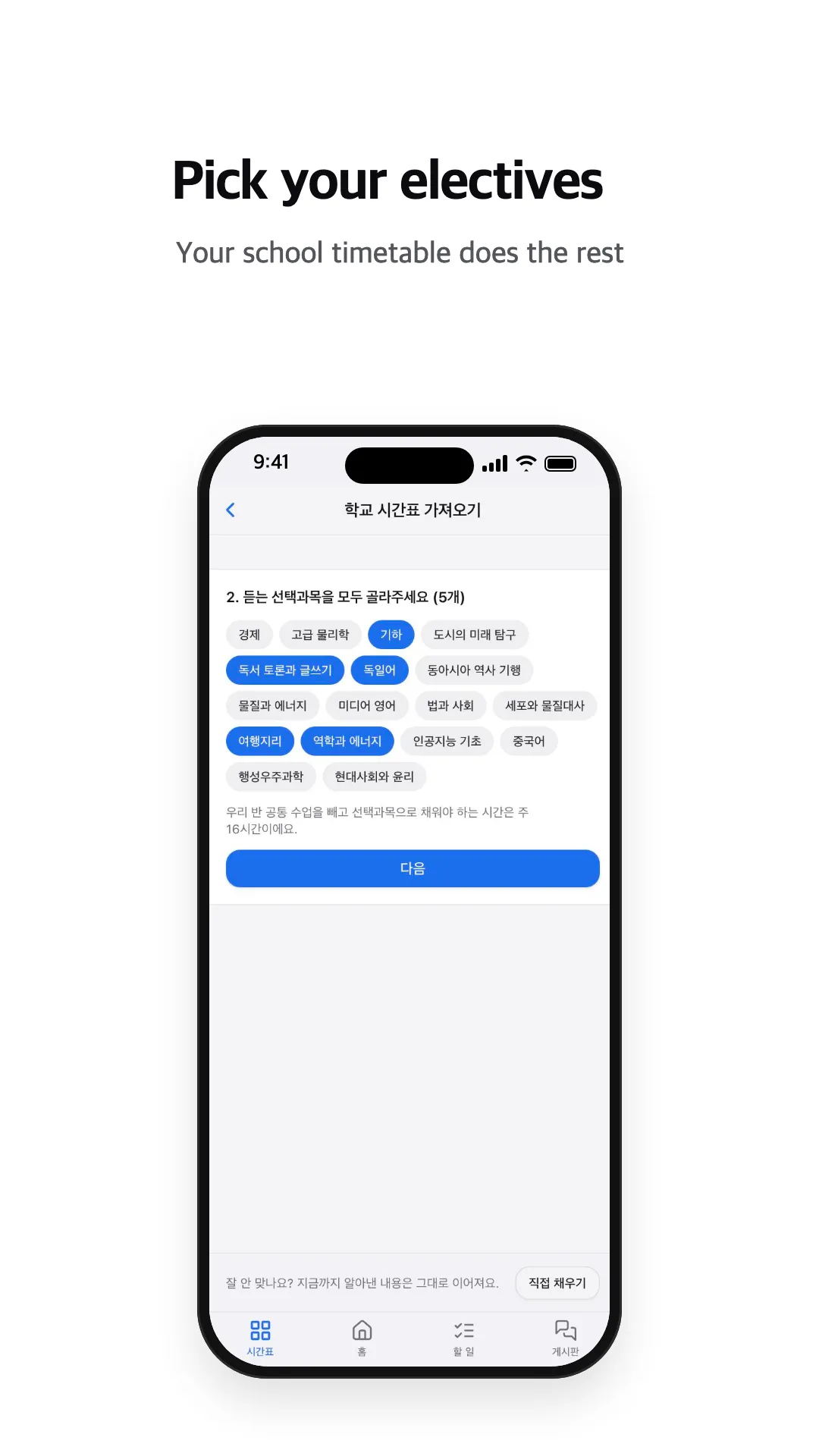
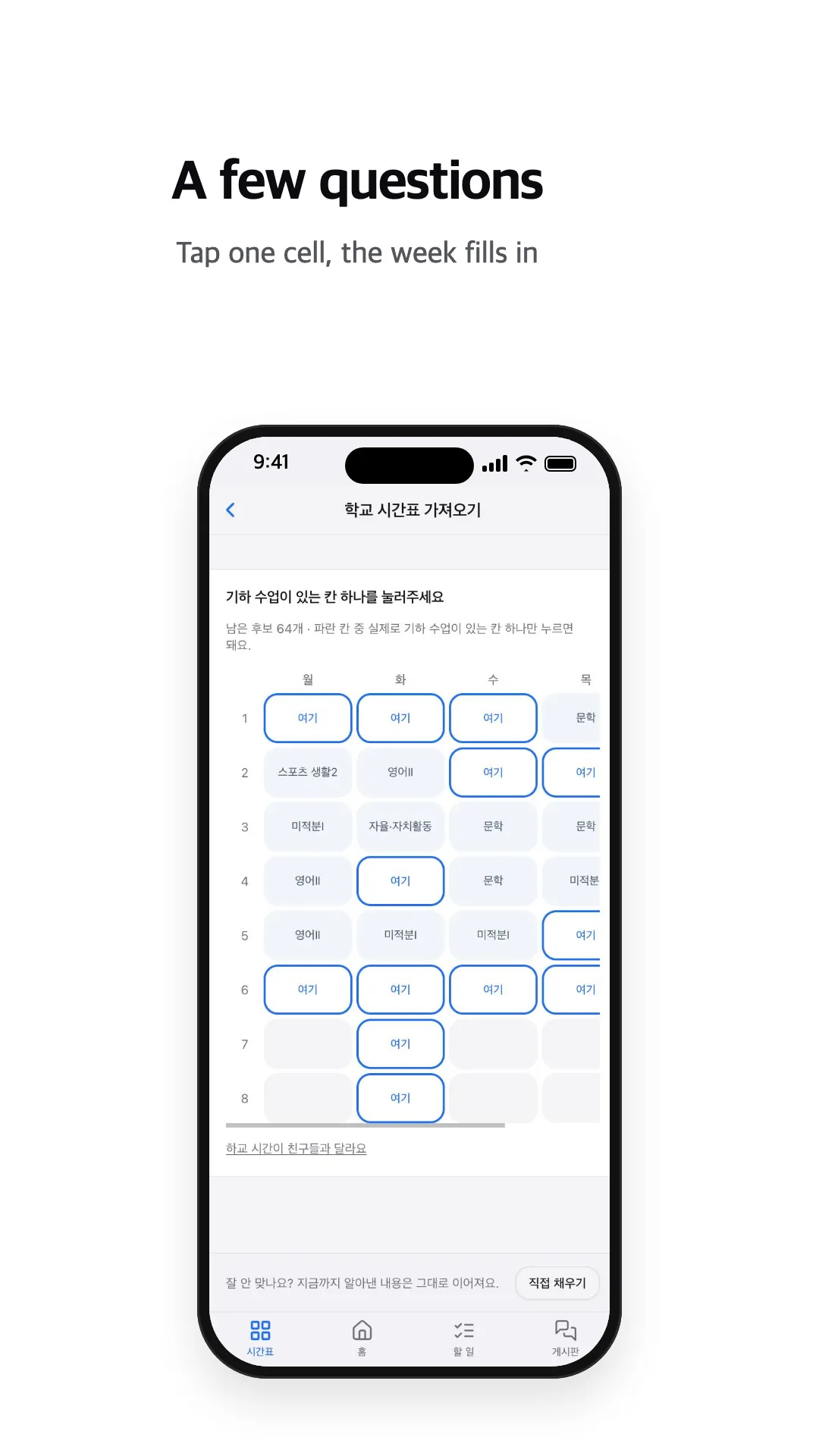
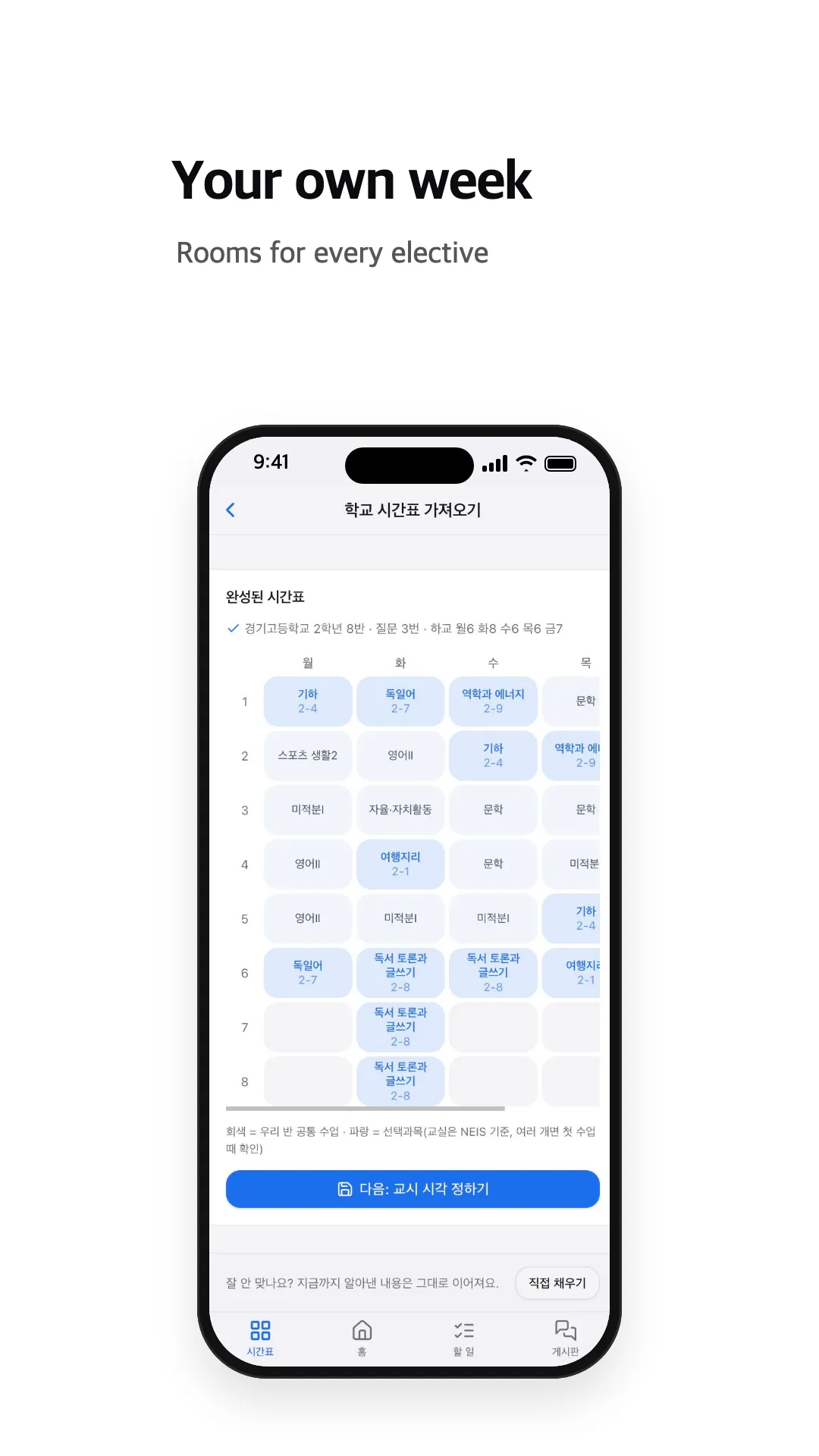
- Automatic timetable. Students photograph the timetable their school gave them. The text is read on the device and checked against the school’s real timetable data (NEIS), so abbreviations and handwriting are corrected. Without a photo, students pick their electives and answer a few questions such as “tap a cell where you have German” when more than one timetable fits. A mid-day free period is marked with a single tap. Entering a week by hand took about 95 taps; now it takes 6 to 10, and in a simulation on 600 grade timetables from across Korea 97.1% of virtual students reached their exact timetable. See the personal timetable engine for details.
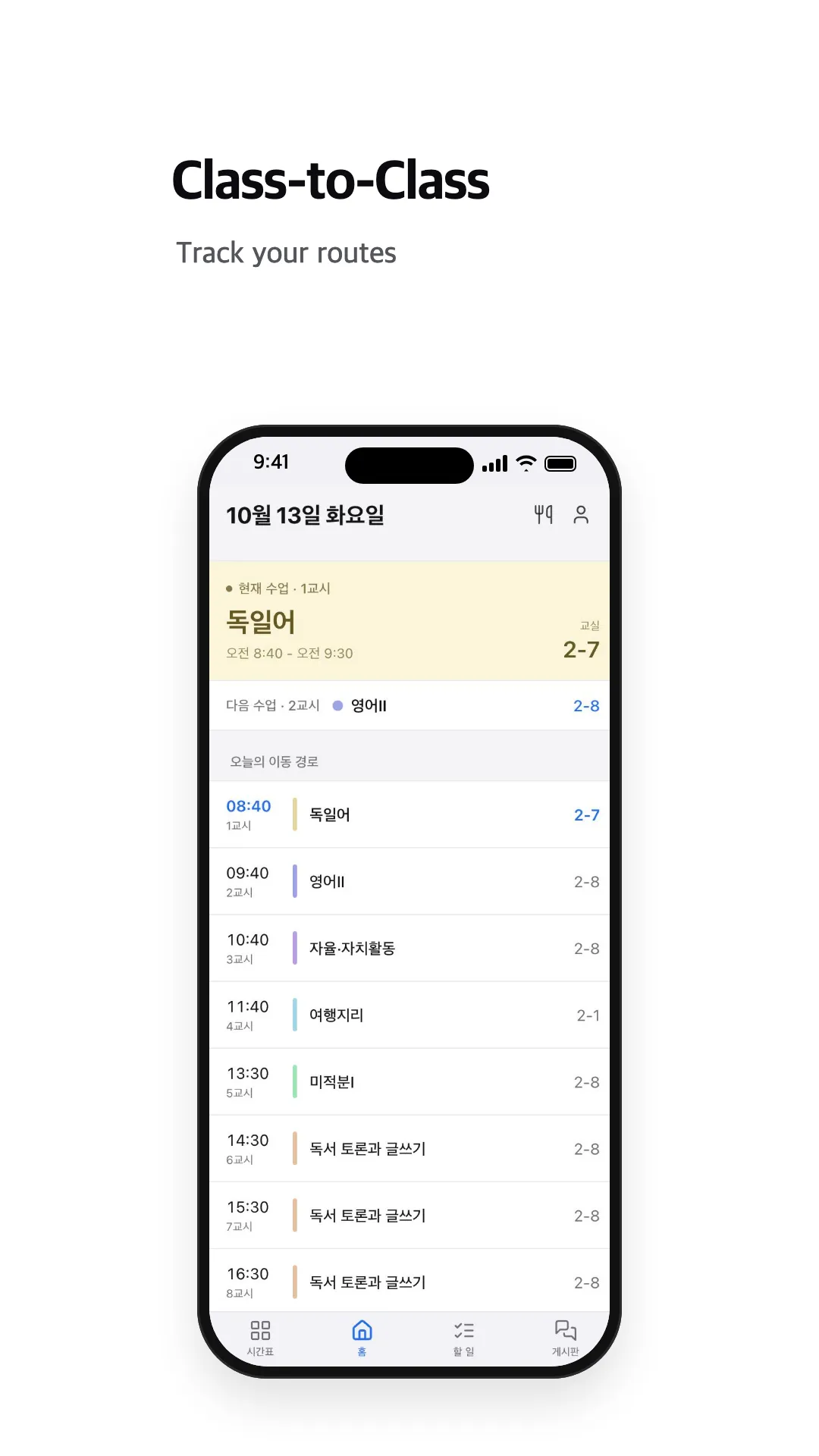
- Class-to-class. The home screen shows the current and next class, the room, and the route for the rest of the day.
- Home screen widgets. Monthly calendar, upcoming assessments and D-day widgets are free; the current class, next room and today’s route widgets come with a subscription (iOS 17 or later).
- Friends’ timetables. Friends who accept each other can see each other’s timetable, and each student chooses what to share.
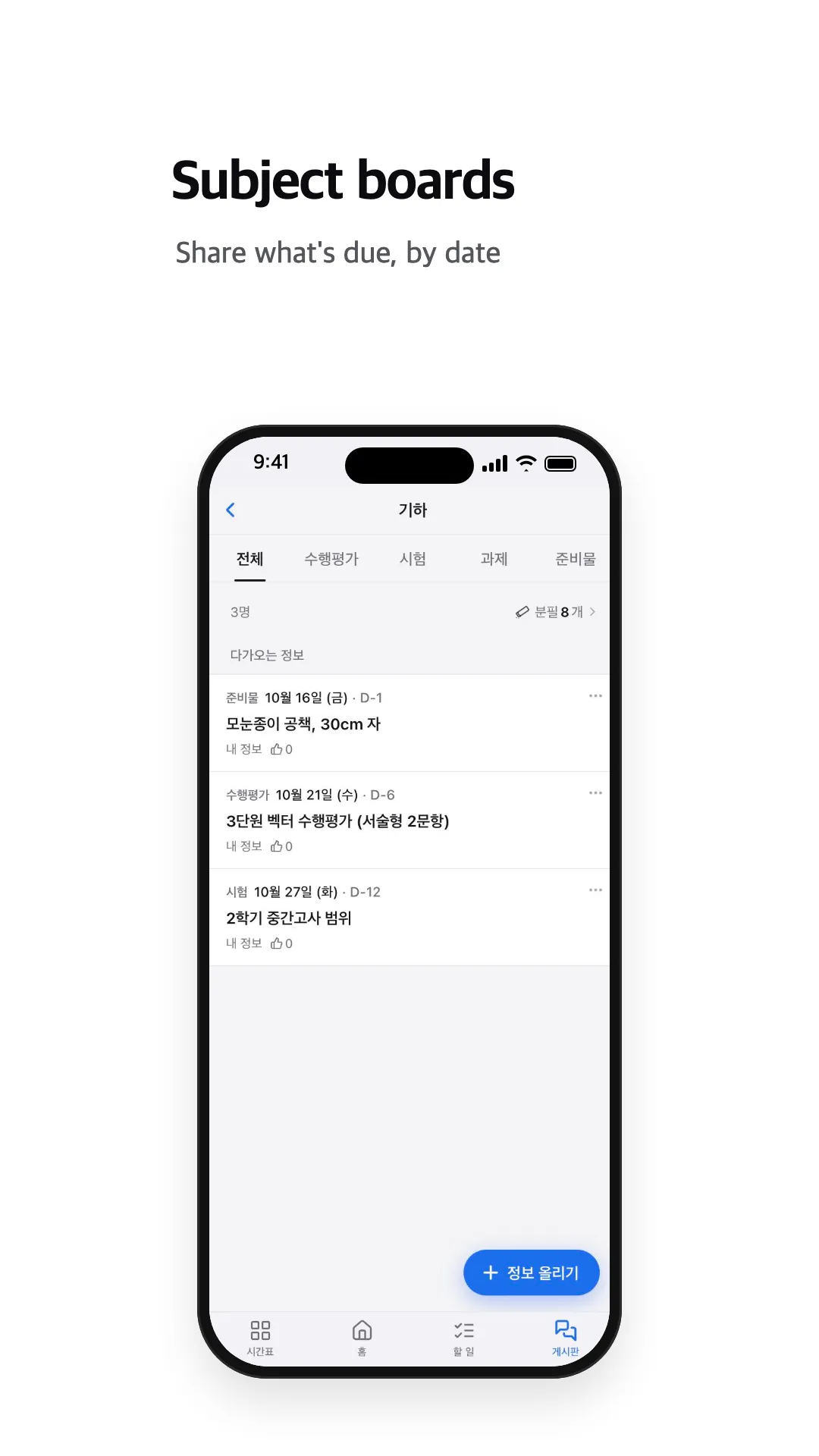
- Subject boards. Students in the same school and grade who take the same subject share one board, even across sections, and post assessments, exams, homework and supplies by date. Boards open school by school once enough students sign up, because they only work when classmates are there.
- Safety. Built for minors: posts and comments hide after three reports, blocking, moderator review, posting limits and a limit on changing school or class. The reward for sharing (chalk) cannot be bought or sold.
- Tasks, calendar and meals. Homework and exams with D-day countdowns, every deadline on one calendar, and the school lunch menu with allergy information.
Details
- Designed and built in-house
- Free on the App Store, iPhone with iOS 15 or later
- First released February 2026. The App Store currently has that earlier version; the update with the automatic timetable and subject boards is coming soon